Showing posts with label light. Show all posts

Saturday, March 23, 2024

Eclipse Pegboard 3.0

Pegboard 1.0
While driving to Winnemucca for last October's annular eclipse, I stopped by the Lowe's in Idaho Falls to pick up a panel of pegboard. Nothing crazy; just 2" x 4". The holes in the pegboard act as pinholes for for the sunlight. They'll cast "sunball" images any time the Sun is out. They'll cast sun-crescents during partial eclipses. Pegboard 1.0  was great fun at our impromptu remote Nevada rest stop eclipse party.

But I didn't like how uniform it was. Identical holes at identical spacing.

Pegboard 2.0
So I decided that for April 8, I'd dirty things up a bit with some duct tape. I placed some strips across the grid and punched holes. The tape heals itself to some extent, but to different extents on different holes. I also just used some tape to partially cover some holes. There are probably better ways to dis-uniform-ify the panel. Since this is a project intended for partials, I may not need to wait until 2045 to try other techniques.

Pegboard 2.0 varies the apertures of the pinholes. Some remain wide open. Some are completely blocked. Many are partially blocked.

Pegboard 3.0
Why not add a splash of color? I decided colored transparent bingo chips would be the answer. Out here in the frontier of the Mountain West, you can't just get them at a nearby craft store (I tried!). So, Amazon it was.

I'm taping them down with Scotch "Red" (not "Green") crystal clear tape in a deliberately random pattern. Some holes will get no chip, others will get red, orange, yellow, green, blue, or purple chips.

With Pegboard 3.0, we have a variety of apertures and colors.

Pegboard 3.5
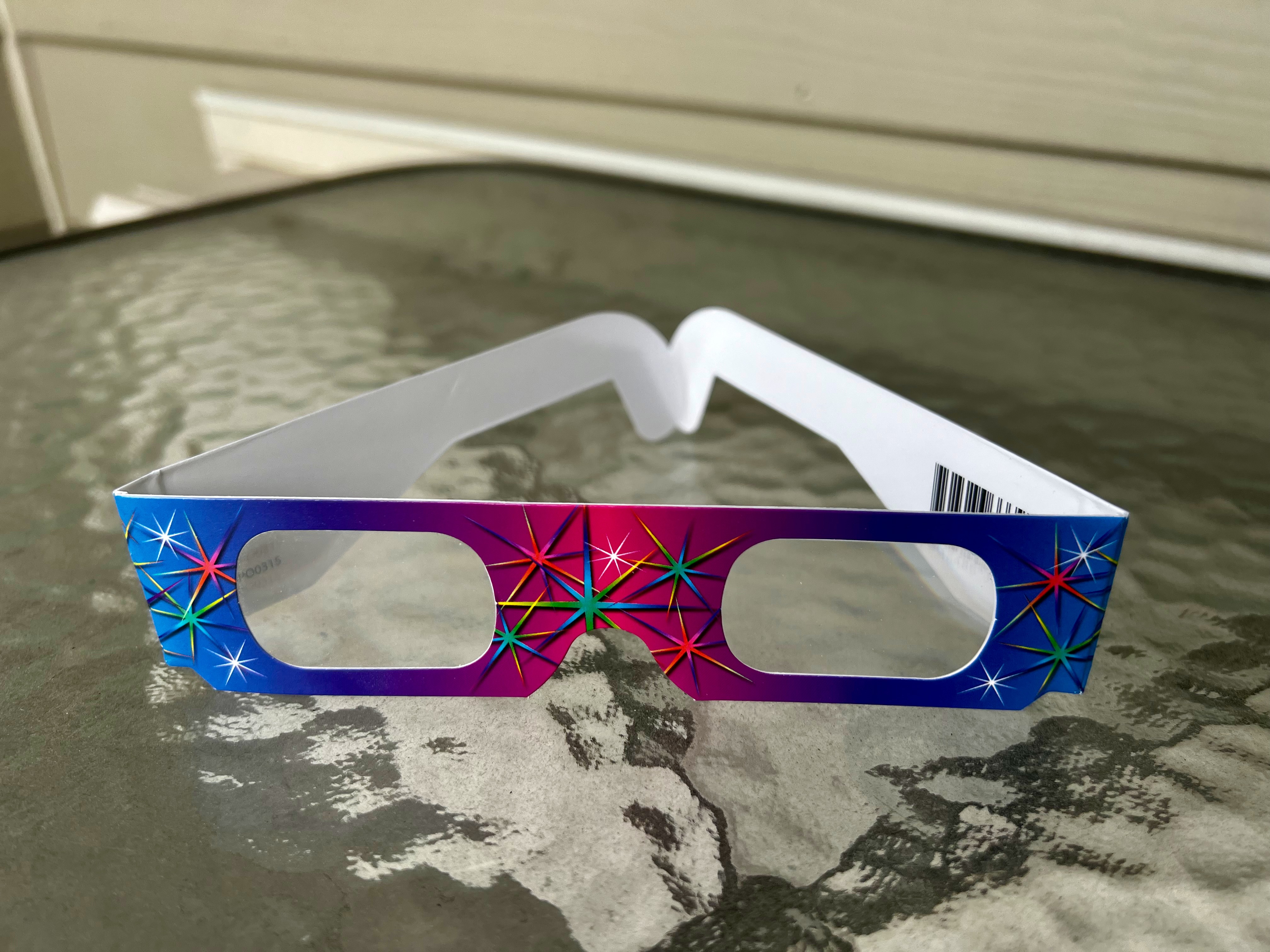
As a physics teacher, I had a few pairs of "rainbow glasses" sitting around. These are cardboard framed glasses with two crossed diffraction gratings for each lens. I cut the lenses up and distributed the film randomly across the board.

Blogger is fairly awful for integrating photos with text. Here's a more complete photo essay/tutorial on preparing pegboard for partials.

Sunday, April 11, 2021

RT;DL Pixel Peeping

Screens. When I was in school, screens were reflective white, flat curtains pulled down from retractible rolls when the teacher was going to show an educational film on the reel projector they shared with the other teachers at the school.

At home, screens were cathode ray tubes in which a spray of electrons, steered by magnetic fields and attenuated by a shadow mask, struck red, green, and blue phosphors. The high-pitched noise given off by the electronics of a CRT TV monitor create physical pain in modern-day students. TV watchers of a certain age somehow tuned that 10 kHz+ whine out.

Today, screens are everywhere, and virtually all are based on light-emitting diodes. But the RGB nature of color imaging remain. That's what this activity is about.

Color mixing and pixel geometry. Surprising enough and instructional enough to be worthwhile.


Pixel Peeping Student Document (Google Docs copy link)

Pixel Peeping Magnifier Observations - HTML export  |  Movie export
(media links are included in the student document)

The PhyzSommelier says this activity pairs nicely with

PhyzLab Springboard - Fun With Colors (Google Docs copy link)


Saturday, April 10, 2021

Saturday, March 20, 2021

The Rainbow Connection—To Physics

Science Friday had a nice segment on rainbows.

The Rainbow Connection—To Physics

Seventeen minutes well-spent. Discussion includes tertiary and quaternary rainbows, why Hawaii is the rainbow capital of the world, and what rainbows might look on other planets (oh, that's a good one!).

Friday, July 12, 2019

Adhesion Cohesion Lens-hesion

The correct reaction here is "I saw that when she posted it" because you subscribed to Physics Girl's YouTube channel ages ago. If not, proceed.

This Weird Straw Effect | EVERYDAY MYSTERIES


This seems to beg for further investigation using different liquids. Cooking oil? Corn syrup?  The interplay of adhesion and cohesion is central here.

It's fun to think about the extremes:

1. How would this have turned out if the liquid had maximum cohesion and minimal adhesion?

2. How would this have turned out if the liquid had minimal cohesion and maximum adhesion?

There are more questions that might be nice, too. If you think of a question (or a liquid), drop it into the comments.

Tuesday, June 18, 2019

The best laid plans

It's true: I see the world in physics. You might, too. So when I saw a thing at Panera Bread, I spun it into a narrative that's too good to verify. Meaning I could have it a bit wrong, but it feels right. It's 2019, so... good enough.

In any case, here's the observation: an LCD screen in portrait orientation goes dark when viewed through polarized sunglasses. Unless you tilt your head sideways!


My story is that the LCD was manufactured to be used in landscape orientation, as is the case for 99.9% of such displays. In that orientation, the polarization inherent in LCDs was set to be viewable even through polarized sunglasses. But the Panera queue application required portrait mode. Hence the trouble.

And honestly, if you're indoors at Panera, why are you wearing your sunglasses? (Actually, if they're prescription, keeping them on while waiting for your coffee might not be so unreasonable.)

Note that your modern smartphone can be viewed in portrait or landscape through polarized sunglasses. Their displays have been depolarized! Some kind of sorcery is at work here.

Sunday, August 05, 2018

#AAPTSM18: Color mixing with Ikea's Ledberg

I will post as many gems as I can from the American Association of Physics Teachers Summer Meeting held in Washington, DC July 28-August 1, 2018. On Twitter, that's #AAPTSM18. The items may be new or classic; simple or complex. Here's one such gem.

Rutgers University demonstration specialist, Demo a Day co-author, and That Physics Show star, Dave Maiullo, presented many demonstrations, as he does. With trademark Maiullo panache, of course. One of them was the use of Ikea's Ledberg color-changing LED light strip in conjunction with diffraction ("rainbow") glasses. The LEDs in the strip act as nice point-like sources, a controller allows for variation of the emitted color, and the diffraction gratings produce a nice spectrum that changes in correspondence with the LEDs.

Here's Dave's presentation to a group of physics teachers (Session CM: 30 Demos in 60 Minutes). [Note: this is operationally a family affair as many folks in the room know each other and the demonstrators; so the atmosphere is familiar and casual.] As an attendee, I did my best to capture as much of the session as I could. I did better with some demos than I did with others. My rainbow glasses were secured beyond my ability to deploy them while recording the demo. That didn't stop me from trying!


I managed to make an effort to hold the glasses in front of my big camera during the official demo show. A bit slapdash; I'm delighted it worked as well as it did to show the spectra of the LEDs off to the right.


Tuesday, May 08, 2018

Physics Girl's twist on polarized light

If you're not subscribed to Dianna Cowern's Physics Girl channel, you should fix that as soon as you can.

She's got a nice episode on polarized light that covers the basics and extends into ... things I didn't know! As Paul Hewitt would say, "Yum!"

Take a look for yourself. If you already knew about human visual sensitivity to polarized light, you're ahead of me. (Not really a high bar, but still...)

Physics Girl: Only some humans can see this type of light


It was so much fun, I wanted to show it in class when I teach polarized light. Of course, I have that condition (?) that compels me to write up a questions set that students complete while they watch the video (and a bonus question for after).

That question sheet can be found at the link below:
YouTube Physics: Only some humans can see this type of light @ TPT

Sunday, April 22, 2018

Structural color in Morpho butterflies

KQED's Deep Look produced a nice piece on the structural color seen in iridescent colors in organisms.

What Gives the Morpho Butterfly Its Magnificent Blue? | Deep Look


And what good is a video clip without some questions to keep gawkers engaged?

YouTube Physics: Magnificent Blue @ TPT

Saturday, April 14, 2018

Resources ... In Color!

You have to have lived many summers to remember when "In Color" was appended to television show titles to distinguish them from humdrum black and white programs. Leslie Neilson spoofed the practice, along with everything relating to 1960s police dramas his Police Squad!.

I added color to my curriculum a few years ago. It began with writing a lab around PhET's "Color Vision" simulation coupled with pocket microscopes. The lab is called "Pixel Peeping" and it's a big eye-opener (!), especially when they look at the phosphors lighting up in yellow.

Next, I wrote an add-on activity called "Fun with Colors!" An interesting exploration of color mixing.

Then I saw this groovy video, and showed it in conjunction with the color activities. Biological pixels!

Science Friday: Where's the Octopus?


Then I saw this wee gem from Steve Mould, and thought to add it, too. How does your brain average red and blue when your green cone is silent?

The Royal Institution: Colour Mixing: The Mystery of Magenta


But I bristle at the notion of just showing a video or asking students to watch a video without having questions attached to ensure mental engagement. Otherwise, it's just watching TV. If it can't be done in class, it makes for great "YouTube homework."

So I put together some questions that could be answered while watching these brief clips.

Chromatophores and Trichromats @ TPT

I had been using an iOS app to mix colors on my iPhone and iPad. But the app ecosystem is lively and active, so old apps die and new apps arise. An app developer named Insight currently offers an iOS app called Color Mixing. It has your standard color addition of primary colors (RGB) as well as color subtraction (CMY). It seems groovy, though I haven't tinkered with it much yet. I'm reluctant to develop an activity around such an app, since it may be gone tomorrow.

If you've got some groovy color stuff that works for you, post about it in the comments.

Sunday, April 08, 2018

Fluorescent Puffin Bills and Tetrachromacy

Serendipity. What a great thing among the scientifically curious.

Ornithologist Jamie Dunning’s serendipity compelled him to shine ultraviolet light on the already decorative bill of a puffin. And he saw something apparently not previously documented in the learned journals.

Birds, those opulent tetrachromats, are apparently up to their colorful shenanigans once again. We humans, humble trichromats that we are, just miss things sometimes. (It’s clearly not just the ability to fly that makes Naomi Hamilton Jealous of the Birds! But I digress.)

Read the story, behold the images, and mention it when you teach about colors and color mixing.

Puffin beaks are fluorescent and we had no idea.

Sunday, July 09, 2017

Colored Shadows Tough Problem

I have mentored and coached for the New Teacher Program through the Exploratorium's Teacher Institute for several years now. Many summers I get to work with teachers in their first few years of teaching as they participate in an intensive three week institute. I went through it myself ten years ago and it is a lot of great information and wonderful pedagogy. I learned more in those three weeks than in my entire credential program about teaching science.

It is exciting when a new teacher discovers or comes up with something that is so cool it has be shared. Summer 2016 Ajayi Lawrence was focused on light and took a journey through diffraction, color addition, filters, etc. There were several times that we took red, green and blue LEDs to darker exhibits to experiment. Lots of "Oh that was cool, do that again!" and talking out what we saw, especially when it was contrary to our predictions. (It's good to be wrong sometimes!)

While trying to set up a procedure for his students, Ajayi shone a red LED through the two filters of a pair of 3D glasses. The red light passed through the red filter and was almost completely blocked from the blue-ish filter, as expected. The blue light was blocked by the red filter and shone through the blue-ish filter. The green light was blocked by the red and shone through the blue-ish filter. (Now you seen why I say it was "blue-ish.")

Later we took the same pair of glasses to the Colored Shadows exhibit (which can be recreated in your classroom using this Science Snack) and snapped this great picture.
Ajayi and I both said that showing this picture to students and asking them to determine the colors of each filter would be a great way of  assessing what they have learned about color addition and subtraction. This year in our color unit I showed this picture to my students and didn't tell them that they were 3D glasses. After some discussion they realized that the two lens of the glasses must be different, which reminds them of "old" 3D glasses. Most of your students will have never used red-blue 3D glasses before, by the way. After they discover that they have to think about what light passing through one of those filters would look like versus lighting being blocked by the filter. 

This was done as a quick end of class activity to wrap up some other concepts. I would have preferred it to be discussed in small groups with whiteboards so that students could make their own drawings. I've written up a worksheet that is a little more guided, adding a portion on the colored shadows of hands I already use, that is available untested as a pdf. If you want to check your answer here is a visual key.

Tuesday, May 16, 2017

Lecture replacement fail & success

As part of our NGSSification this year I've tried to put more demonstrations into the hands of students. Before the beginning of each unit I will look at the lectures of previous years and the list of demos I plan to do. If at all possible, I will make miniature versions of the demos that students can do in lab groups. These miniature versions don't usually take long but engage the students. We can then follow up with a few brief notes that explain what they have seen.

At the beginning of our light unit I wanted students to explore the relationship between wavelength and frequency in the electromagnetic spectrum. I made a chart of eight electromagnetic waves, places they are seen or used, a wavelength and frequency (pdf or google doc). I printed the information onto address labels (pdf) and put them on blank cards from RAFT. I passed out a card to each student and asked them to find the three other students that have cards about the same electromagnetic wave. Students were to find their group and then share their information so that they got the "whole picture" for that particular type of electromagnetic wave. I asked students to look at an image of the electromagnetic spectrum on my projector and a different one in their textbook. I thought that between the two images and four students they would be able to match the name to the example to the wavelength to the frequency. I was wrong. Quickly it became apparent they didn't see the connections I did.

Students were looking for the exact frequency on their card to be listed on either the image in their textbook or on the projector screen. Instead images of the electromagnetic spectrum show a range of frequencies for different types of waves. It is very common for sources to have different frequency ranges for the same wave type. This lead to lots of confusion and meant I had to go from one group to another to make sure that each student was sorted correctly.

In the future, I'll only show them one image, the one below. I added red dots representing each frequency and wavelength combination that I had put on the cards. I'll tell students that if they use the wavelength equation they will find someone with a card with the exact frequency they calculated. It was also not obvious to students that they needed to use this equation. I'm hoping this illustrates to students that their specific wavelength is part of a range of wavelengths for that type of wave.
After students were properly sorted I asked them to write the information about their wave onto a whiteboard to share. The whiteboards were held up and shared with the whole class. I helped students organize the information in a more familiar electromagnetic spectrum. To make sure they got the correct information it became more "Write down what I'm saying," and less "Write down what was written down by your peers." By the end of it I feel like they understood the relationship between frequency and wavelength but it was not the clearest way for them to get the information. I don't know if I will continue this activity the same way again.

The second day I wrote an activity I called Light Phenomenon Lab (google doc or pdf with more teacher information) made of eight different demos I used to show as part of a lecture. Each group was given brief instructions about how to create the phenomenon to observe and given some time to play. There were great exclaims of "Oh cool!" and disbelief as students explored and shared their phenomenon from group to group. Some groups were asked to read a page or two out of their textbook that explained the higher level concepts.

Each group was instructed to make a whiteboard with the title of their phenomenon, what they observed, how it worked, etc. Each group had been asked a question that required them to apply what they had seen to a new situation. This question was to be answered on their whiteboard as well. Below are examples from my three classes:

Each student copied down the phenomenon name and the answer to the question posed after each group shared their board. This was much more successful than the previous day. Students took ownership of being the "experts" on their phenomenon and enjoyed wow-ing the rest of the class by showing it off. It lead to more questions, "playing" with the equipment to find out what they could discover. I was able to create a make-up lab (pdf or google doc) for students using YouTube videos of similar phenomenon.

On both days, students were hands-on with something or moving around. We still discussed a few things and I asked them to record some things in their notebook. One I would consider a #fail (or in need of some tweaking) but the phenomenon day I would definitely consider a success. Students still got the important elements of the "lecture" but it was much more engaging.

Soon I'll post more about NGSS Phenomenons ... after Finals Week.

Tuesday, April 18, 2017

Finding the speed of light with Peeps

I heard a piece on this on NPR. Very cute. Some do this with chocolate, and other materials can be used. But in the event you have leftover Peeps hardening around the house...

Sunday, December 11, 2016

Make your own Transit Light Curves

I highly recommend the educational activities from SETI; especially their Kepler Mission materials found here. There are NGSS aligned activities arranged by age level. I'm looking into the Transit Tracks activities to link Kepler's equations with the Kepler mission, light and our Universal Gravitation unit.

Within that document SETI describes a demo of the Kepler mission by passing a bead on a string in front of a light bulb in a dark room. There is a note off to the side that says:

Optional: Collect Real Data
If you have a light sensor, computer with sensor interface, graphing software, and a computer display projector, place the light sensor in the plane of the planet/ bead orbit and aim sensor directly at the light. Collect brightness data and project the computer plot in real time. Let the students comment on what they are observing. Instead of swinging beads, you may use a mechanism, known as an orrery, to model the planets orbiting their star. Instructions for building an orrery from LEGO™ parts may be found on the NASA Kepler Mission website at http://kepler.nasa.gov/education/ModelsandSimulations/LegoOrrery/

I don't have Vernier light sensors but I do have the Physics Toolbox Suite on my phone which uses the light sensor already on your phone. The app is free and has many different tools all using the internal properties of your phone. I find myself using it frequently and if I ever get tablets for my classroom I'll be using this much more frequently.

I played around with the idea over the weekend using a dim kid's light and passes my hand in front of it to model a transit. At first I tried a ceiling mounted light but I found that since its a CFL bulb there were small variations in the light that might confuse students. In class I would be using incandescent light bulbs anyway. The kids' dim flashlight had a fairly consistent output and the dips were caused by my hand in front of it in a completely dark room.

I would like to model something smaller than the light source like the bead on a string that SETI suggested. It will also be a good lesson about the difficulties of the mission as students won't see too much of a reduction in light unless the shadow of the bead passes right over the sensor on the phone. I don't have orreries but can challenge students to keep constant period orbits. Perhaps by next year I can develop something super simple like this DIY Orrey.

The nice folks in charge of the @PhysicsToolbox twitter account pointed out this The Physics Teacher article on the subject sing their light sensor for something similar.

After students learn how to read Transit Light Curves from the SETI activity I hope to have them make their own and model the same graph interpreting skills. It will only take one kid with a phone in each group to make this work and I think I'll have that covered.


Thursday, October 13, 2016

Traffic lights

Years ago while I was at the Exploratorium Teacher Institute an employee came in and had managed to get a bunch of real life traffic lights. They had asked a city worker who was changing them out what they were going to do with them and ended up walking away with a lot. I took home two green and one red and unfortunately left them to sit in a box all these years. I finally managed to check with Zeke Kossover about wiring them up and was surprised to learn that they ran off only 120 V. I had it in my head that they would need much more and I would have to use a transformer. So I bought a heavy duty plug for each light and hooked them up. You can find traffic lights of all varieties on eBay. It was very easy and now I have three giant lights!

I'm not quite sure what I will do with them but I have some ideas:
- Use the red and green lights to indicate to students when to keep working and when to stop on an activity.
- Use the red and green for a giant Colored Shadows demo (I haven't tested if this works yet).
- Have students use light sensors to investigate the light intensity at different distances. I expect that this is bright enough students from all over the classroom will be able to take data off this one light source. 

What are some other ideas about what I could do?